Detailed Summary
The video introduces the concept of using AI in the terminal as a superior alternative to browser-based AI, claiming it makes users 10 times faster. It highlights that AI companies market these tools to developers for code, but they are versatile for writing, research, and projects. The presenter shares his past frustrations with browser AI, such as lost context, scattered chats, and disorganized notes, setting the stage for a better, terminal-based approach.
Segment 1: The Terminal Superpower (Gemini) (1:09 - 8:43)
This segment dives into Gemini CLI, emphasizing its generous free tier and ease of installation across Mac, Windows (via WSL), and Linux. Key points include:
- Installation: A single command
npm install -g @google/gemini-cli (or brew install gemini-cli for Mac) is used.
- Project Setup: Creating a new directory (
mkdir coffee project) and navigating into it (cd coffee project) before launching Gemini (gemini).
- Login and Interaction: Users log in with a Google account, and Gemini responds to prompts, demonstrating its ability to perform Google searches.
- Superpowered Features: Gemini CLI reveals the context window (e.g., "99% context left"), which browser versions hide. Crucially, it can access the local file system to read and write files, such as creating
bestcoffeemethod.md and blogplan.md.
- Context Management: The
gemini.md file is introduced, created via /init, which allows Gemini to analyze the project directory and maintain context across sessions. This file acts as a persistent memory for the AI, eliminating the need to re-explain project details.
Segment 2: Claude Code (8:43 - 17:59)
This section focuses on Claude Code, the presenter's daily driver, highlighting its advanced features, particularly "agents." Key takeaways include:
- Sponsor Message (Twingate): A brief interlude on the importance of zero-trust network access (ZTNA) with Twingate, especially when AI has local file access. Twingate secures remote access by granting explicit permissions and checking device security posture.
- Claude Code Installation: Installed via
npm install -g @anthropic-ai/claude-cli.
- Login and Usage: Users log in with their Claude Pro subscription (no API keys needed), and Claude requests permission to access the project folder.
- Context and Permissions: Similar to Gemini, Claude uses a
claude.md file for context (/init) and displays token usage (/context). It prioritizes security by asking for permissions for most actions, which can be bypassed with the --dangerously-skip-permissions flag.
- Agents: The most powerful feature, allowing users to create specialized AI agents (e.g., "Home Lab Research Expert"). These agents receive fresh context windows, preventing the main conversation from becoming bloated and enabling parallel task execution.
- Multi-Agent Workflow: Demonstration of running multiple agents simultaneously for different tasks (e.g., researching Proxmox servers, finding pizza places, and identifying graphics cards).
- Output Styles: Claude Code offers customizable "output styles" (
/outputstyle) that control the AI's persona and system prompt, allowing for tailored responses (e.g., a "brutal critic" style for reviewing outlines).
Segment 3: ALL THE TERMINALS!!! (17:59 - 20:31)
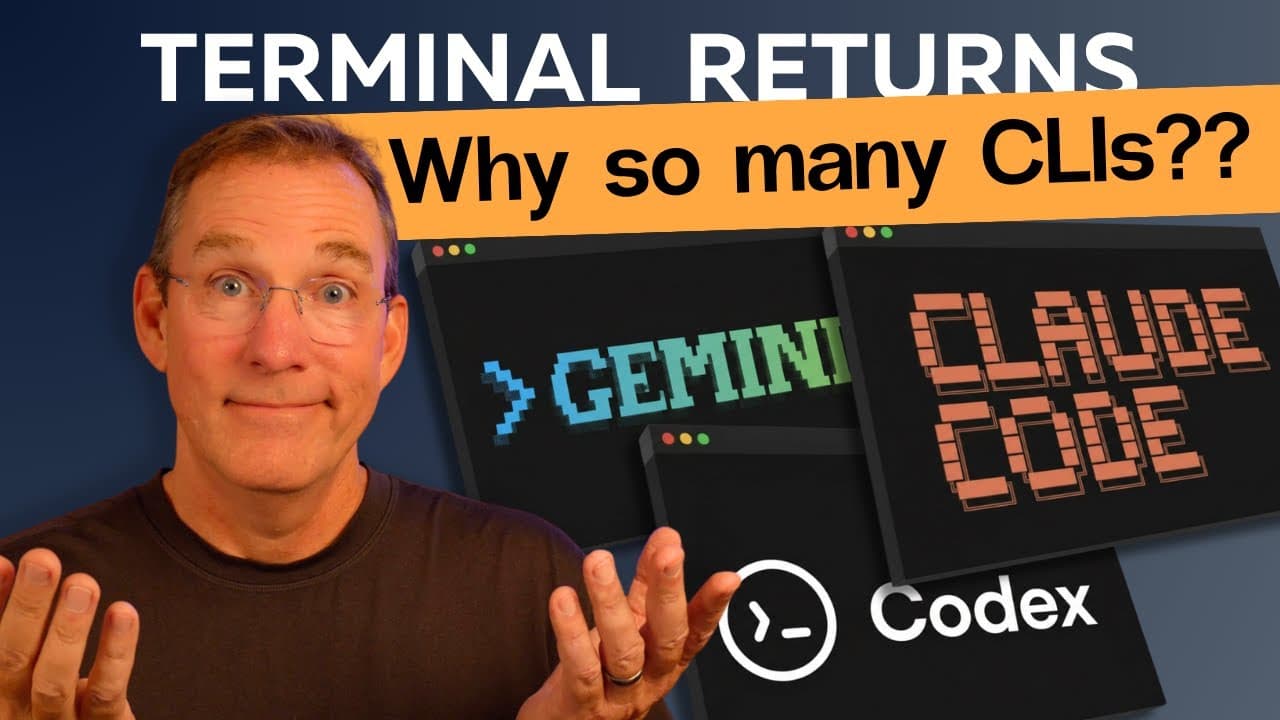
This segment showcases a multi-AI workflow, using Gemini, Claude Code, and Codeex (ChatGPT's terminal tool) concurrently on the same project.
- Synchronized Context: The key is to open all AI tools in the same directory, ensuring they share the same context files (
gemini.md, claude.md, agents.md).
- Delegated Roles: Each AI is assigned a specific role; for example, Claude writes a hook from an authority angle, Gemini writes one from a discovery angle, and Codeex reviews them.
- Seamless Collaboration: The AIs work in the same directory, see each other's output, and contribute without manual copying and pasting, demonstrating a highly efficient, integrated workflow.
- Ownership of Context: The presenter emphasizes that all project data and context reside locally on the hard drive, preventing vendor lock-in and allowing flexibility to switch AI tools.
This section details the presenter's personal workflow for managing AI-assisted projects, including syncing context files and using Git for version control.
- Context File Syncing: A custom Claude agent, "script session closer," is used to summarize conversations, update
session_summary.md, and synchronize claude.md, gemini.md, and agents.md files.
- Git Integration: Projects are committed to a GitHub repository, treating scripts and project changes like code. This provides a history of changes, facilitates rollbacks, and serves as documentation.
- Critique Agents: The presenter highlights the use of "brutal critic" agents, designed to provide unbiased, harsh feedback on his work, ensuring quality and preventing AI agreeableness. These agents reference framework documents to align critiques with project goals.
- Time Savings: This comprehensive system saves hours by automating documentation, context management, and critical review, allowing the presenter to focus on creative tasks.
This segment introduces Open Code, an open-source terminal AI tool that offers flexibility and supports local models.
- Installation and Usage: Open Code is installed with a single command and launched by typing
opencode.
- Grock Integration: It comes with free access to Grock Code, demonstrating its ability to read project documents and assist with tasks.
- Local Model Support: A key feature is the ability to use local AI models (e.g., Llama 3.2) by configuring
opencode.json.
- Claude Pro Integration: Users can log in with their Claude Pro subscription, allowing them to switch between various models, including Claude Sonnet, within Open Code.
- Advanced Features: Open Code offers session management, sharing capabilities (
/share), timeline features (/timeline to jump back in time), agents, headless server options, and JSON export for sessions.
- Conclusion on Terminal AI: The presenter reiterates the benefits of terminal AI, emphasizing control over context, breaking free from browser limitations, and the empowering feeling of having "superpowers." He encourages viewers to try Gemini CLI (free), Open Code (local models), or Claude Code (paid but powerful).
The video concludes with a call to action to engage with the YouTube algorithm and a personal prayer for the viewers, expressing gratitude and hope for their lives, goals, and careers, and emphasizing the role of faith in his work.