Detailed Summary
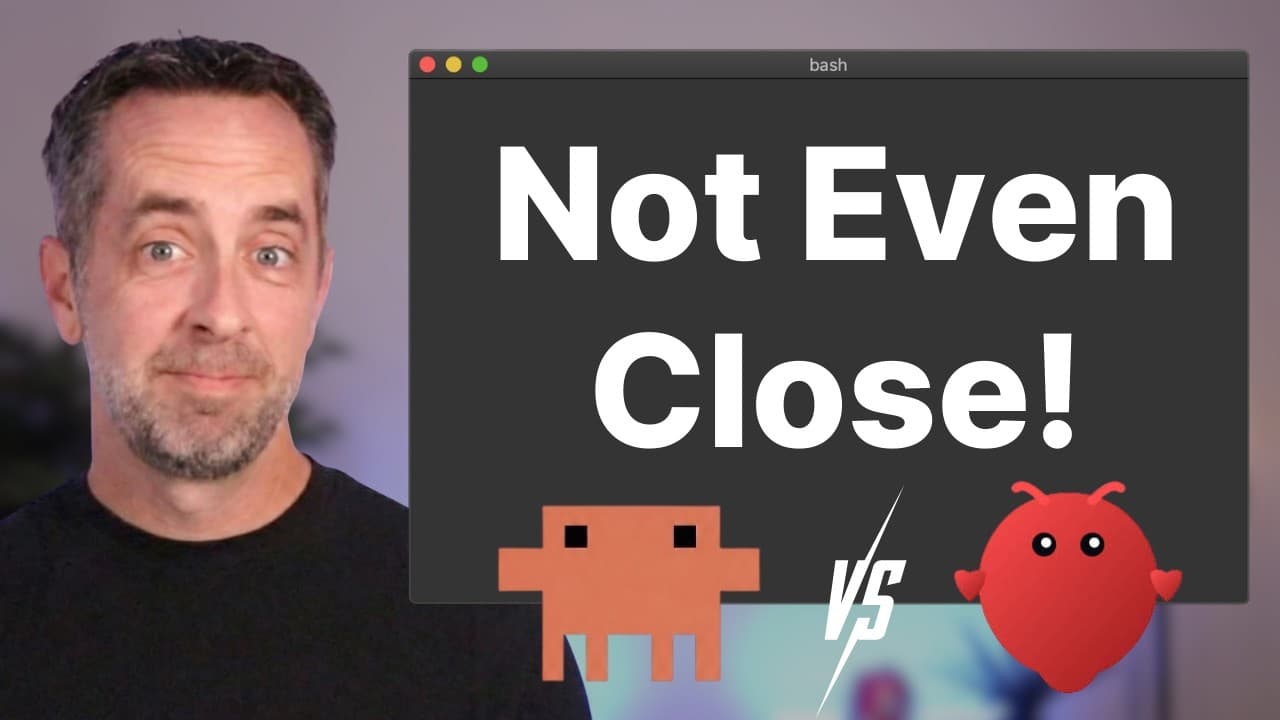
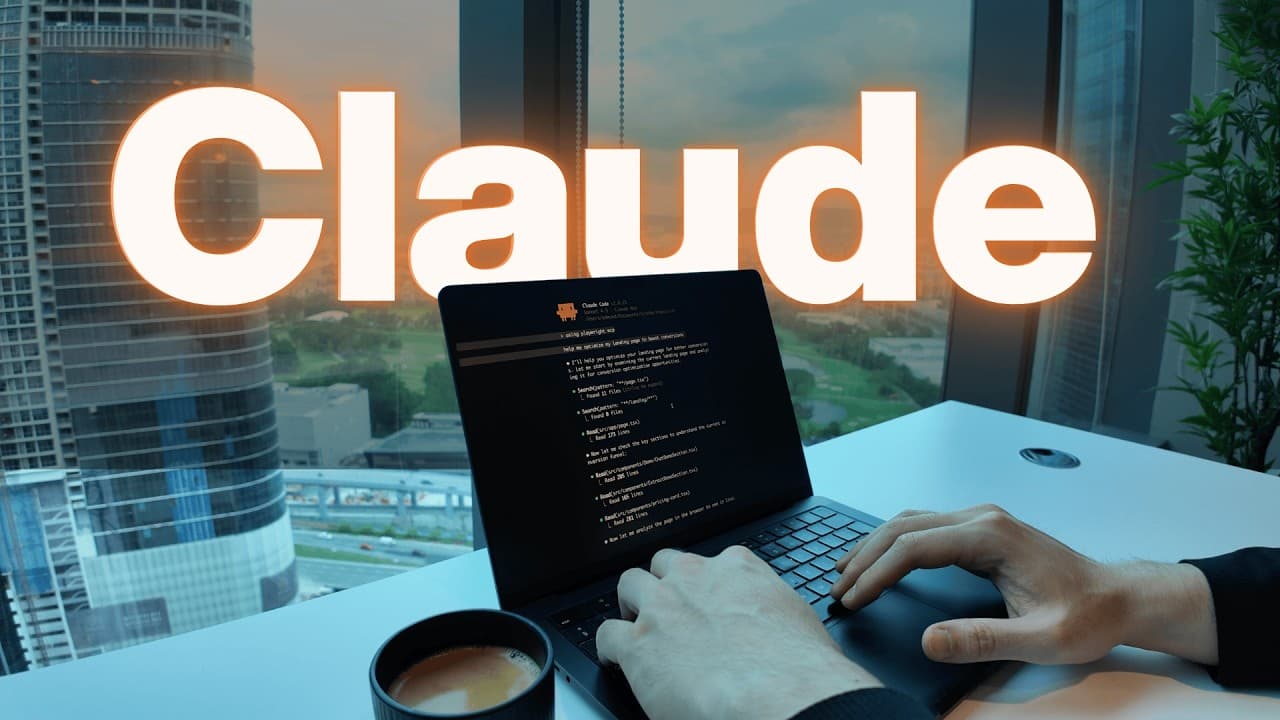
The video opens with a demonstration of Klaus, the presenter's AI executive assistant built using Clawdbot, highlighting its capabilities like email management, task creation, and proactive problem-solving. Klaus operates 24/7 on a server, managing emails, social media, research, and handling busy work. The presenter notes that many tasks performed by Clawdbot could also be achieved with Claude Code. The video aims to compare these two tools, which have seen recent surges in popularity, across eight critical metrics. It's mentioned that Clawdbot has been rebranded to Moltbot due to naming conflicts with Anthropic.
1) Out of the Box Ability (3:21 - 6:53)
- Claude Code (7/10): Excellent for coding assistance but requires some technical understanding to be truly useful, often intimidating for non-technical users.
- Clawdbot (9/10): Highly powerful once configured, it asks questions, learns about the business, has persistent memory, and can create automations and apps without complex deployment considerations. It feels like an employee.
- A demonstration showed Claude Code generating a detailed YouTube analytics PDF report, while Clawdbot produced a more branded report with SWOT analysis and strategic recommendations, indicating better adherence to brand guidelines.
2) Setup Friction & Risk (6:53 - 8:45)
- Claude Code (8/10): Low friction to install, typically involving a VS Code extension, making it very easy to start using.
- Clawdbot (6/10): More technical and confusing to set up, often requiring terminal interaction, understanding environments, and potentially using a VPS or Mac Mini. There's also higher risk involved, especially if not set up securely.
- Hostinger is recommended for VPS hosting, offering a 10% discount with code NATEHERK for annual plans. Hostinger also provides a one-click Docker deployment for Clawdbot.
- Claude Code (8/10): Requires a subscription (e.g., Pro at ~$20/month, Max 20x at ~$200/month). While seemingly expensive, it's considered a steal given the unlimited coding output compared to hiring an engineer.
- Clawdbot (6/10): Open-source and free to install, but users pay for hardware (hosting) and AI model usage via API keys. Using cloud subscriptions (like a Max plan) with Clawdbot is against Anthropic's terms of service. Unmanaged API usage can lead to high bills; 80 million tokens cost the presenter about $80.
- Claude Code (7/10): Can edit files/folders, run terminal commands, and operate where wired. Damage is mostly limited to the machine and specific folders/APIs it has access to.
- Clawdbot (10/10): Designed for full system access, akin to giving a human assistant passwords and sensitive information. It's explicitly stated that an AI with shell access and API keys could do real damage if it misunderstands instructions. The presenter's Klaus has access to Telegram, YouTube, Google Workspace (with its own email and docs), and web search, but is limited to prevent accidental data deletion.
- Claude Code (7/10): Powerful but can be dangerous if misused. Worst-case scenarios are less severe than with Clawdbot.
- Clawdbot (3/10): Centralizes keys and control over many services, often runs on public-facing servers, and has been found misconfigured and exposed. The creator, Peter Steinberger, acknowledges it's a hobby project, not finished, and not for non-techies.
- Over 900 Clawdbot servers were found exposed without password protection, leaking API keys and chat history, due to default testing settings being used in online deployments.
- It's crucial to store API keys in .ENV files, not chat history, and to perform regular security audits, which AI assistants can help automate.
- Claude Code (6/10): Primarily lives in terminals or VS Code, comfortable for developers but intimidating for non-technical users. Optimized for coding workflows.
- Clawdbot (9/10): Highly accessible, allowing interaction from anywhere (e.g., phone, Slack). It can be set up to be always-on, proactively managing tasks and reminding users, even while they sleep. This convenience, however, means less direct oversight of generated files or project structure.
- Claude Code (8.5/10): Has a proven track record (around for a year), with teams shipping features 10-30% faster and adding extra features/fixes. Cloud Co-work, built in 10 days by a few engineers using Claude Code, is cited as a prime example.
- Clawdbot (6/10): While impressive and generating hype, it's only 3 weeks old. It currently offers cool use cases but lacks demonstrable ROI in terms of shipping amazing apps, generating significant revenue, or saving substantial work hours. The value is more conceptual, tied to the idea of an executive AI assistant.
- Claude Code: Primarily for software engineers, technical founders, data/machine learning professionals, and teams ready to ship products. Also suitable for non-coders willing to learn and build workflows.
- Clawdbot (Moltbot): In its early stages, it's for technical founders, indie hackers, automation enthusiasts, and security-savvy tinkerers comfortable with server management, API wiring, and understanding privacy/blast radius. Not recommended for non-techies.
- Final Score: Claude Code: 51.5 points, Clawdbot: 49 points.
- Claude Code wins on: Security, proven results, and lower risk for non-experts.
- Clawdbot wins on: Accessibility, ambient presence, and feeling like the future.
- The presenter emphasizes that while Clawdbot is exciting, its hype should be viewed critically, and for practical, secure applications, Claude Code is currently the better choice.
The presenter encourages viewers interested in AI automations to join his community for courses and support. Klaus, the AI assistant, delivers a final message: "You don't need to be a developer to use these tools... The people who win aren't the ones who wait for it to be easy. They're the ones experimenting right now, making mistakes, figuring it out. So, pick a tool, break something, learn from it. That's how you stay ahead."