Detailed Summary
Introduction to Loop Engineering (0:00 - 0:05:59)
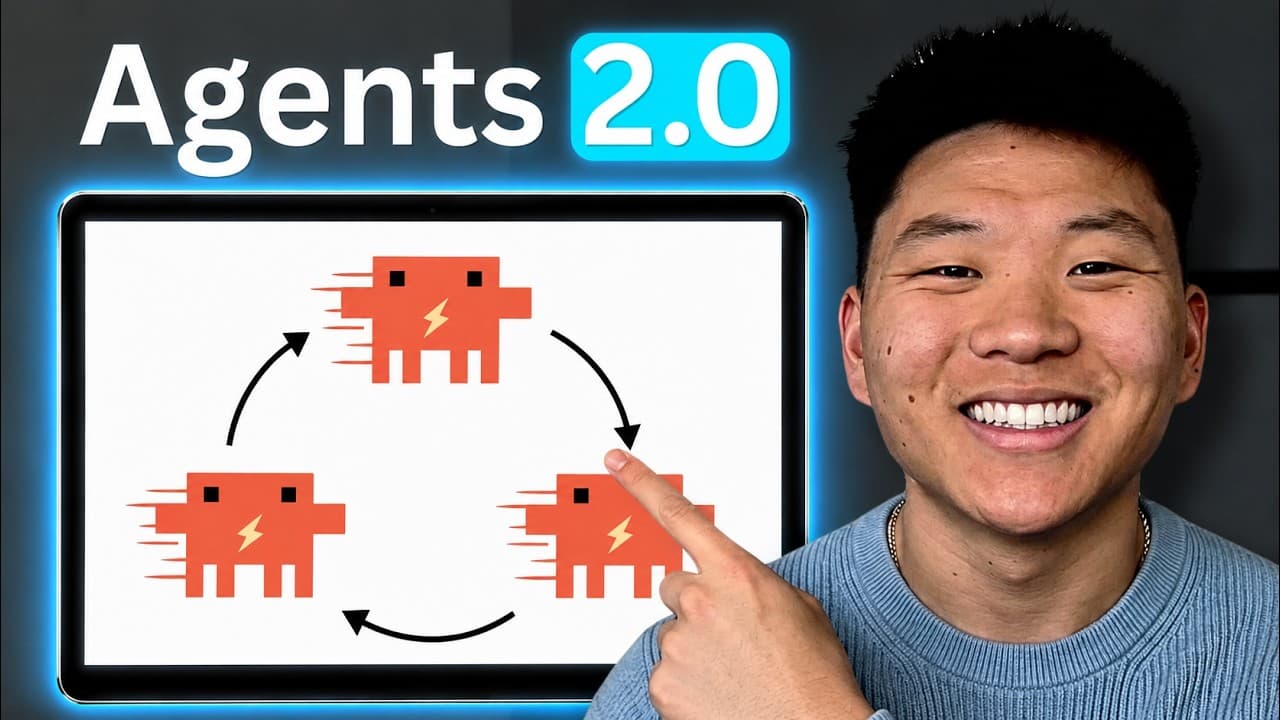
Most AI users are 'stuck in the loop,' meaning they manually review every AI output and provide the next prompt. Loop Engineering aims to replace the human with a second AI agent that handles the review and decision-making process. This transition allows for truly autonomous systems that work toward a defined objective without constant supervision.
The Six Concepts of Loop Engineering (0:06:00 - 0:22:47)
- Automations: Running agents on triggers or schedules rather than manual starts.
- Work Trees: Giving each agent its own 'lane' or branch to prevent file conflicts when multiple agents work on one project.
- Skills: Using markdown files as playbooks to teach agents specific conventions and constraints once.
- Connectors: Enabling AI to use tools like Gmail, Slack, and Salesforce via MCP (Model Context Protocol).
- Sub-agents: Implementing the 'Maker and Checker' analogy, similar to a writer and an editor, to ensure high-quality, honest verification.
- Memory: Using shared notebooks or GitHub repos so agents have context on previous runs and current blockers.
The /goal Command in Claude Code (0:22:48 - 0:38:59)
This section demonstrates the /goal command, which forces Claude to continue working until a specific condition is met.
- Live Demo: Sorting a messy downloads folder into subfolders. The agent counts files, moves them, and verifies the count reaches zero at the top level.
- Prompt Structure: A successful goal prompt includes the end state ('until no files are left'), a check ('verify counts'), and guardrails ('stop after 30 turns').
- Intermediate Patterns: Examples include labeling every row in a spreadsheet and the 'Empty-the-Queue' pattern for processing a stack of documents or emails.
Routines are saved AI loops that run in the cloud.
- Setup: Users define a model, a trigger (e.g., daily at 9:00 AM), and connectors.
- Email Triage Example: A routine that reads unread emails, identifies the top three urgent items, and DMs a summary to the user on Slack.
- Advanced Support Agent: A real-world example of an agent that triages Intercom tickets using custom API keys and environment variables, followed by a checker agent that runs two hours later to ensure no tickets were closed in error.
- Leverage Formula: Leverage = Skill × Clarity. High-level users get more out of AI because they can define 'done' more clearly and review work more effectively.
- Content Creation: Discussion on using 'Hyperframes' and 'Remotion' to storyboard and edit videos autonomously using Claude and ffmpeg.
- Cold Outreach: Advice on leading with value (e.g., running a free security scan) rather than 'lazy' spamming.
- Community: Overview of the free school community for women in AI and the importance of identity verification to prevent spam.