Detailed Summary
Introduction to Agentic Coding and Productivity (0:00 - 1:13)
The speaker highlights a period of unprecedented productivity, attributing it to AI tools and agentic coding, despite managing multiple jobs. He introduces several personal projects developed with these tools:
- Lawn: A video review tool designed to replace Adobe products.
- Shu: A simplified OAuth solution for various projects, focusing on unblocking development with easy Google sign-in.
- T3 Canvas: An image editing tool used daily for icons and thumbnail concepts, with plans for integration into T3 chat.
- FS2 CLI: A file syncing project written in Rust, along with two Swift projects.
The Core Problem: UX Issues in Agentic Development (1:13 - 1:45)
Despite increased productivity, the speaker identifies significant UX problems with agentic coding, which he detailed in an article that garnered 1.2 million views. These issues stem from the difficulty of managing multiple parallel tasks and projects, leading to frustrations that current tools and operating systems are ill-equipped to handle.
Sentry Sponsorship: Agent Dashboard for Observability (1:45 - 3:45)
Sentry is introduced as a sponsor, showcasing its new agent dashboard designed to address debugging challenges in agentic workflows. Key features include:
- Visibility into agent runs: Allows developers to trace arbitrary tool calls and failure rates that are difficult to debug in traditional ways.
- Detailed request information: Provides insights into errors, LM calls, token generation, and costs for each agent request.
- Timeline view: Shows tool calls, their duration, and responses, as well as invoked agents and sub-agents.
- Metrics: Displays daily tool calls, token usage by models, LM call frequency, and error rates.
- Easy setup: Requires minimal code (init call and experimental telemetry) and supports various languages, tools, and SDKs.
The UX Problem with Agentic Development: A Deeper Dive (3:45 - 8:42)
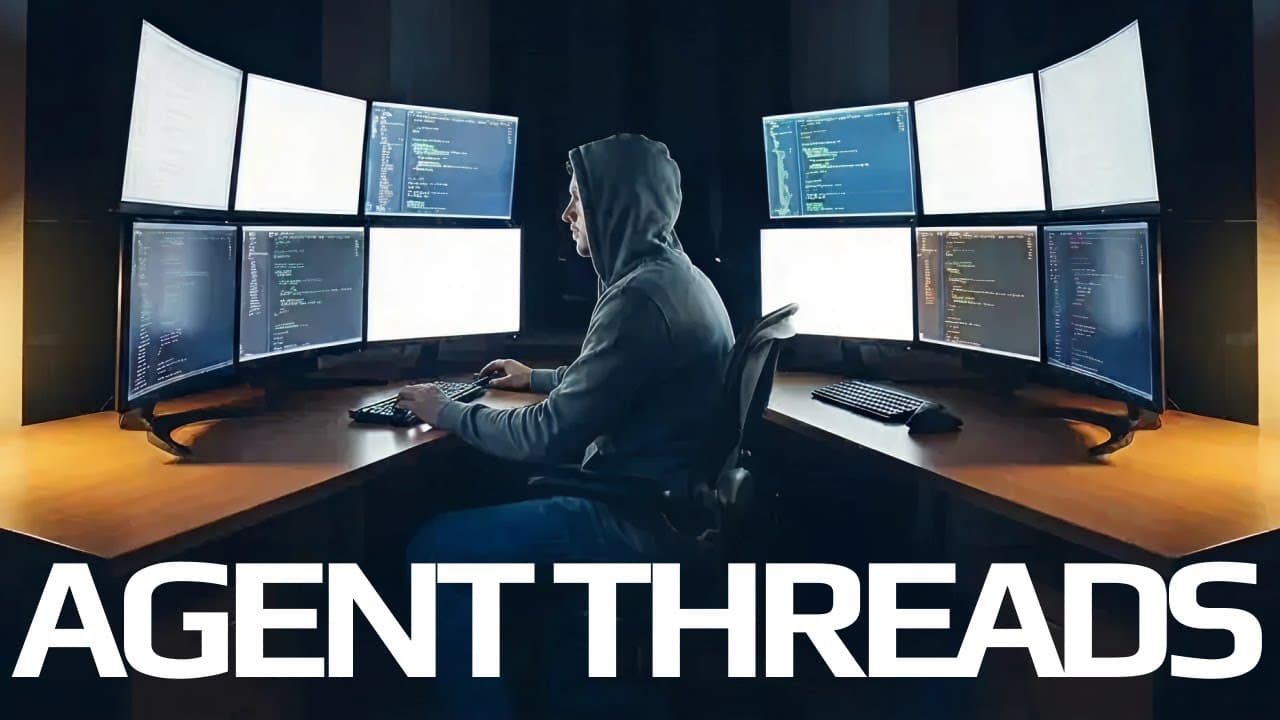
The speaker contrasts his traditional development setup (terminal, IDE, browser for one project) with the complexities introduced by agentic coding, where multiple long-running tasks necessitate working on several projects simultaneously. This leads to:
- Window and tab management chaos: Difficulty in organizing and switching between multiple terminals, IDE instances, and browser tabs for different projects.
- Operating system limitations: macOS's desktop and window management features are shown to be cumbersome and inefficient for this parallel workflow, with issues like flickering and slow navigation.
- Mental model breakdown: The traditional mental model of grouping all tools under one project breaks down when multiple projects need to be managed concurrently across the same set of applications.
Specific Technical Pain Points (8:42 - 11:38)
The discussion moves to specific technical challenges encountered when running multiple projects in parallel:
- Context switching models: While some argue against context switching, the speaker finds it manageable when work is well-scoped, especially during long AI task waits.
- Terminal ambiguity: Difficulty in identifying which project a terminal tab belongs to, especially with tools like Cloud Code that don't clearly indicate context.
- Browser management: Frustration in knowing which browser window or tab corresponds to the correct GitHub repository for a specific project.
- Port and cookie collision: A critical issue where localhost's app storage data is shared across all ports, causing cookies and authentication to break when multiple projects run simultaneously. OAuth redirection issues further complicate this.
Real-World Scenario and Ineffective Solutions (11:38 - 16:37)
The speaker illustrates the daily frustrations with a hypothetical scenario involving multiple Cloud Code workflows, port conflicts, and constant context loss. He then dismisses common suggested solutions:
- T-Mux/GNU Screen: While useful for terminal multiplexing, they don't solve the broader problem of managing multiple applications and browser contexts.
- Agent orchestration GUIs (e.g., Codeex): While helpful for generation, they often have poor built-in terminals and diff views, still requiring external IDEs and browsers, thus exacerbating the problem by enabling more parallel work.
- IDEs with built-in browsers (e.g., Cursor): These come close but still require external GitHub access and present significant challenges with authentication (e.g., One Password, passkeys) within the in-app browser.
- Docker: Dismissed as irrelevant to these specific UX and parallel workflow problems.
- Background agents: The speaker argues that the hype around background agents (e.g., sending Slack messages to kick off jobs, cloud buttons) is largely due to the difficulty of local parallel work, and they often just shift the problem to the browser without truly solving the core issues of local development and thorough code interaction.
Call to Action and Future Outlook (16:37 - 19:01)
The speaker emphasizes that he doesn't have a definitive solution but aims to inspire others to tackle these problems. He briefly considered building an operating system but acknowledges its impracticality. He urges the community to:
- Experiment with new workflows and tools.
- Embrace the pain points to drive innovation.
- Build more in parallel to truly understand the challenges.
He hints at a personal breakthrough with Linux, which he plans to share in a future video, expressing excitement about a UI that perfectly fits the described problem. He encourages diversity in solutions for development tools and user experiences.