Detailed Summary
Introduction to Claude Code SDK (0:00 - 1:35)
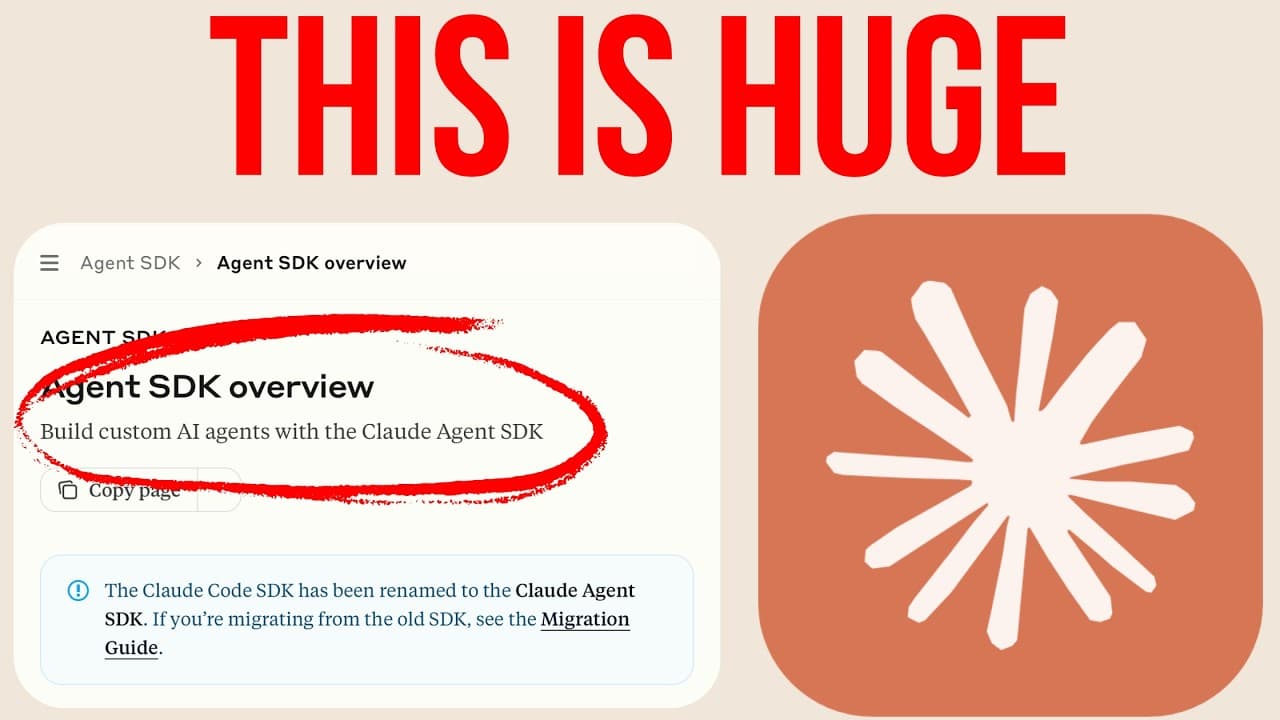
The video introduces the Claude Code SDK's new custom tool support and hooks, emphasizing their role in simplifying custom AI agent creation. It highlights the growing importance of building AI agents as companies increasingly adopt them.
- The Claude Code SDK now supports custom tools and hooks, making agent creation easier.
- A basic example demonstrates importing the SDK, querying a model with a prompt, and logging the result.
- Users can specify a particular model (e.g., Claude Haiku) and retrieve full message details, including session ID, token usage, and cost.
- The SDK provides access to Claude Code's hooks and tools, which are explored later in the video.
Implementing Streaming Input Mode (1:35 - 3:40)
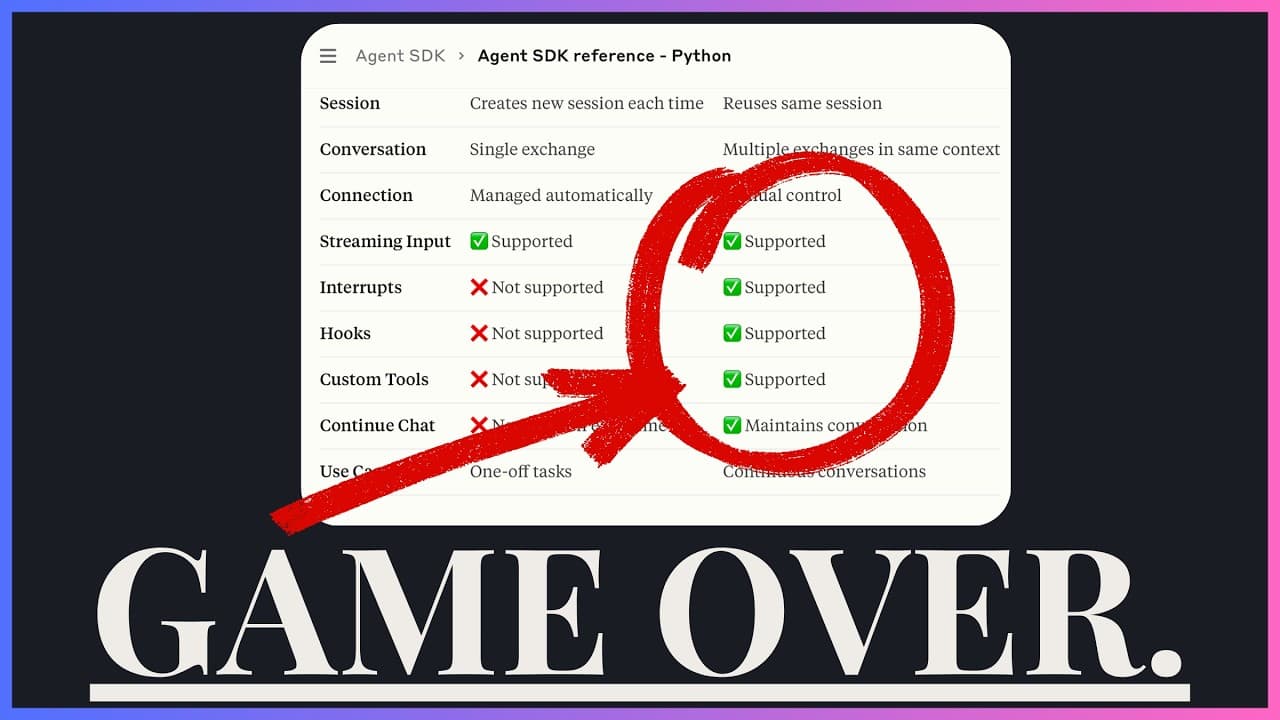
For more complex, multi-turn interactions, the video explains the use of streaming input mode, recommended by Anthropic. This involves creating generator functions to send multiple prompts and observe tool usage.
- Streaming input mode is essential for handling complex, multi-prompt interactions.
- A generator function is used to yield objects containing messages, parent tool use ID, session ID, and type information.
- An example demonstrates sending two prompts: counting files and multiplying the result, revealing underlying tool calls.
- The code is updated to print all actions, including potential tool calls and results, and to allow continuous user interaction with the model.
- The interactive agent uses standard input for user prompts, prints tool usage (e.g., bash, glob tools), and asks for follow-up prompts.
- A functional interactive agent can be built with a single SDK function and less than 100 lines of code.
Customizing System Prompts (3:40 - 5:01)
The video delves into the power of custom system prompts, which allow developers to completely override default Claude Code behavior and create highly specialized agents.
- Custom system prompts enable complete control over an agent's behavior, differentiating it from the default Claude Code.
- The Claude SDK documentation offers various ways to change system prompts, with the custom system prompt option providing the most control.
- An example demonstrates a custom prompt that forces Claude to respond with "I don't know" and become angrier with more prompts.
- This custom prompt also limits Claude's tool usage because it overrides the default instructions for tool availability.
- Custom system prompts can be used to create agents for specific tasks, such as a math tutor for children or an internal company agent with limited abilities.
Creating Custom Tools (5:01 - 6:11)
Custom tools are introduced as a way to extend the agent's capabilities by integrating external logic or data. An example of a coffee ordering tool is used to illustrate this concept.
- Custom tools are implemented using the
create SDK MCP server function, which includes a name, version, and uses the tool function from the SDK.
- A custom tool is created to calculate the price of a drink, taking inputs like size, drink type, extras, and currency, defined using ZOD.
- The tool calculates the total price based on predefined prices for sizes and extras, with the model inferring details from the tool description.
- The custom server is imported into
index.ts and added to the allowed tools, with a system prompt appended for concise answers.
- When asked for the price of a medium oat milk latte, the model uses the custom MCP tool to return the correct price of $4.60.
- This seemingly trivial example highlights the potential for integrating database data, internal functions, or app-specific logic into AI agents.
Advanced Features and Conclusion (6:11 - 6:50)
The video briefly touches upon other advanced features of the Claude Code SDK and concludes by encouraging viewers to consider its utility.
- The Claude Code SDK offers numerous advanced features, including handling permissions, displaying to-do lists, using slash commands, sub-agents, and session management.
- Custom agents can also access global Claude Code hooks, output styles, or sub-agents if they are already configured.
- The video concludes by inviting viewers to share their thoughts on the SDK and its potential use cases.