Detailed Summary
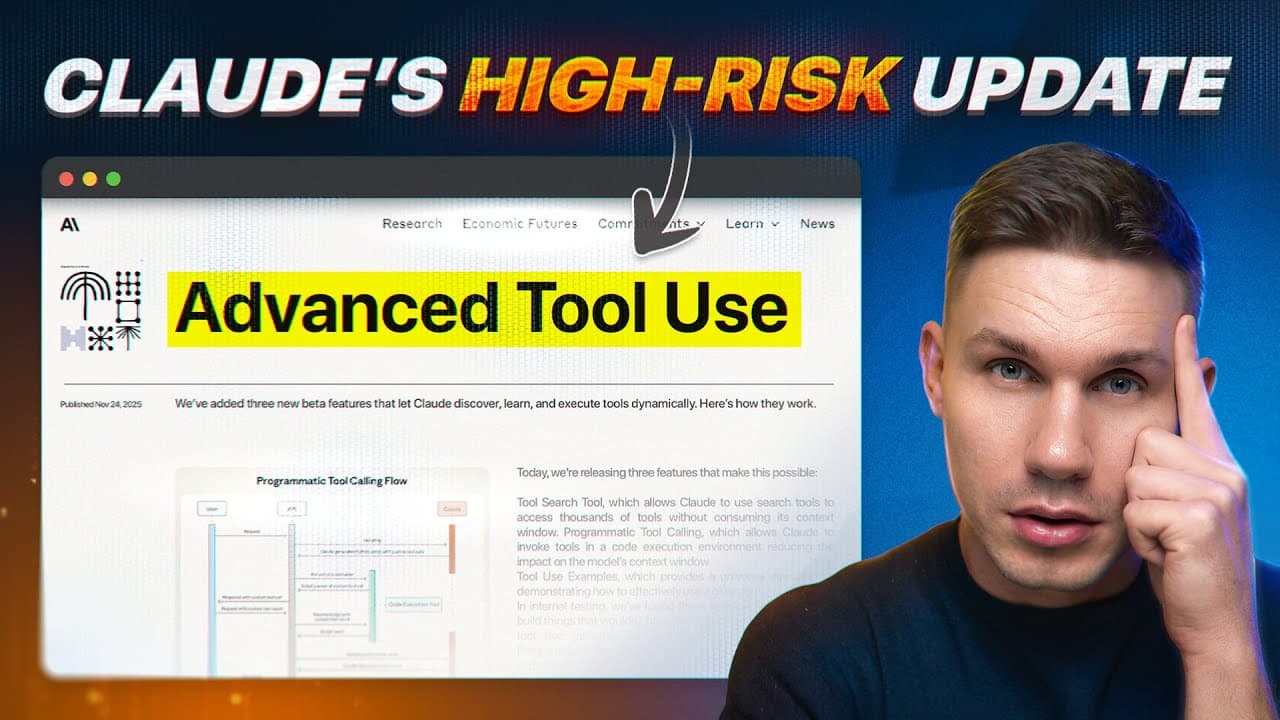
Anthropic has released significant updates to its tool calling capabilities, which are crucial for building complex AI agents. Traditional tool calling involves the LLM generating JSON to invoke APIs, enabling real-world actions. However, this method has limitations, particularly for complex, multi-step tasks, leading to:
- Inefficiency due to reliance on the LLM to generate parameters for each function call.
- Non-deterministic behavior and wasted tokens in the context window.
- Challenges with large responses, such as extensive metadata from email searches or noisy HTML content from web fetches, which unnecessarily consume context.
- The problem is not solved by larger context windows alone, as the effective context window is much smaller (120K-200K for a 1M window), necessitating optimization.
Programmatic Tool Calling (5:27 - 9:10)
Anthropic's programmatic tool calling, similar to "executable code actions" and "code mode," allows the LLM to output and execute code directly within a sandboxed environment. This approach offers several advantages:
- The LLM writes code to invoke multiple tools, handling data passing between functions deterministically.
- It supports complex workflows using constructs like for loops and conditional paths, making it more robust.
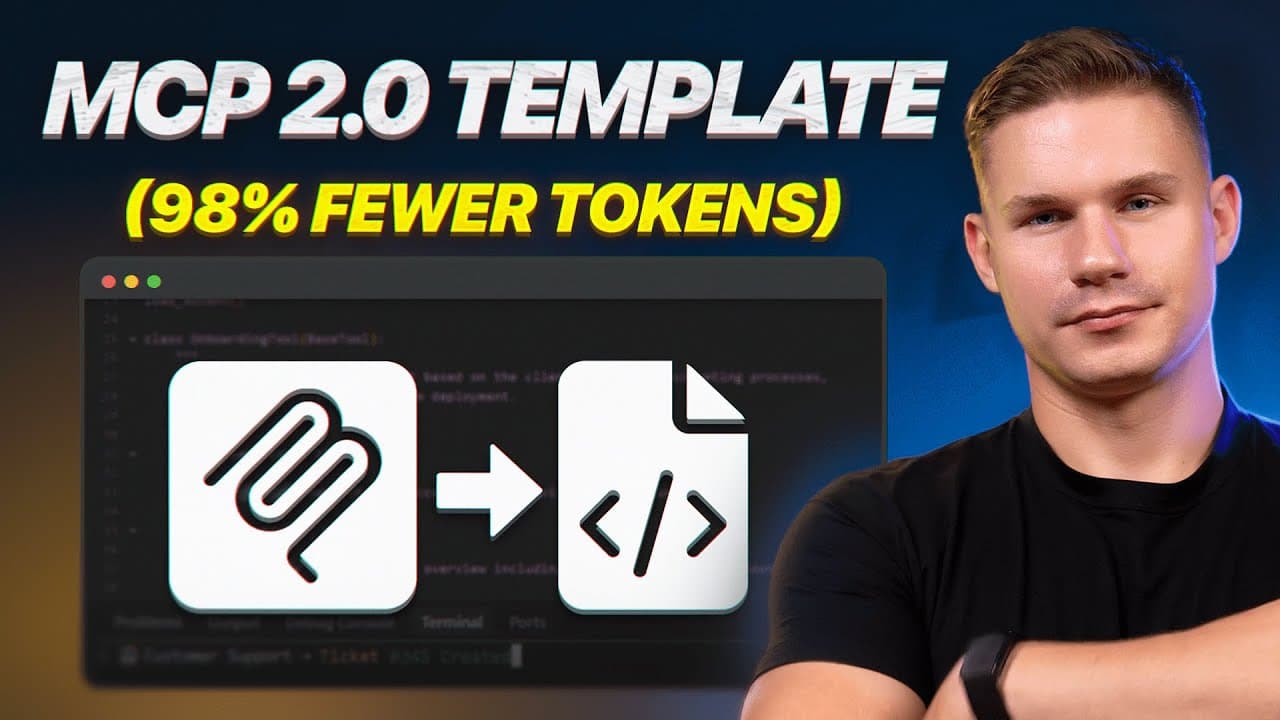
- This method is more token-efficient as noise and context are contained within the function execution rather than exposed in the context window.
- Experiments show programmatic tool calling uses significantly less context and achieves higher task completion rates.
- Enabling it is straightforward: include a
code_execution function in the LLM response and specify allowed_caller for tools.
- Benefits include batch processing, conditional logic, deterministic filtering, and a 30-50% reduction in token consumption, making agents faster and more suitable for large dataset processing.
Dynamic filtering is a feature specifically for the web fetch tool, designed to address the issue of large, irrelevant HTML content consuming context:
- It adds an intermediate layer that runs code to filter out only relevant content from HTML pages.
- Only the extracted, pertinent information is passed into the LLM's context window.
- This method reduces token consumption by an average of 24% and improves accuracy.
- Activation involves pointing to a specific version of the web fetch tool (e.g.,
2026209), after which code execution steps for extraction are automatically observed in API responses.
Tool search addresses the scalability problem of loading numerous tool schemas into the context window, which is inefficient:
- Instead of loading all tool definitions, a single "tool search" tool (consuming about 500 tokens) is used to dynamically retrieve relevant tools.
- This can lead to up to 80% context window optimization, especially for agents with more than 10 tools or MCPS.
- Tools can be configured for "deferred loading," making them invisible by default until dynamically retrieved by the tool search tool.
- Flexibility is provided through default configurations for MCP servers, allowing specific actions to remain always visible while others are deferred.
This feature helps LLMs correctly use complex tools, especially when parameter handling is nuanced:
- For tools with many properties or interdependencies (e.g., a "create ticket" tool with due dates and escalation levels), LLMs can struggle with correct parameter formatting or correlation.
- Developers can now provide an array of "input examples" within the tool definition, demonstrating how the tool should be called.
- These examples guide the agent in filling out fields, particularly for complex nested structures or optional parameters that might otherwise be overlooked.
- Using tool use examples has been shown to improve accuracy in complex parameter handling from 72% to 90%.